February 25, 2026 • Cybersecurity
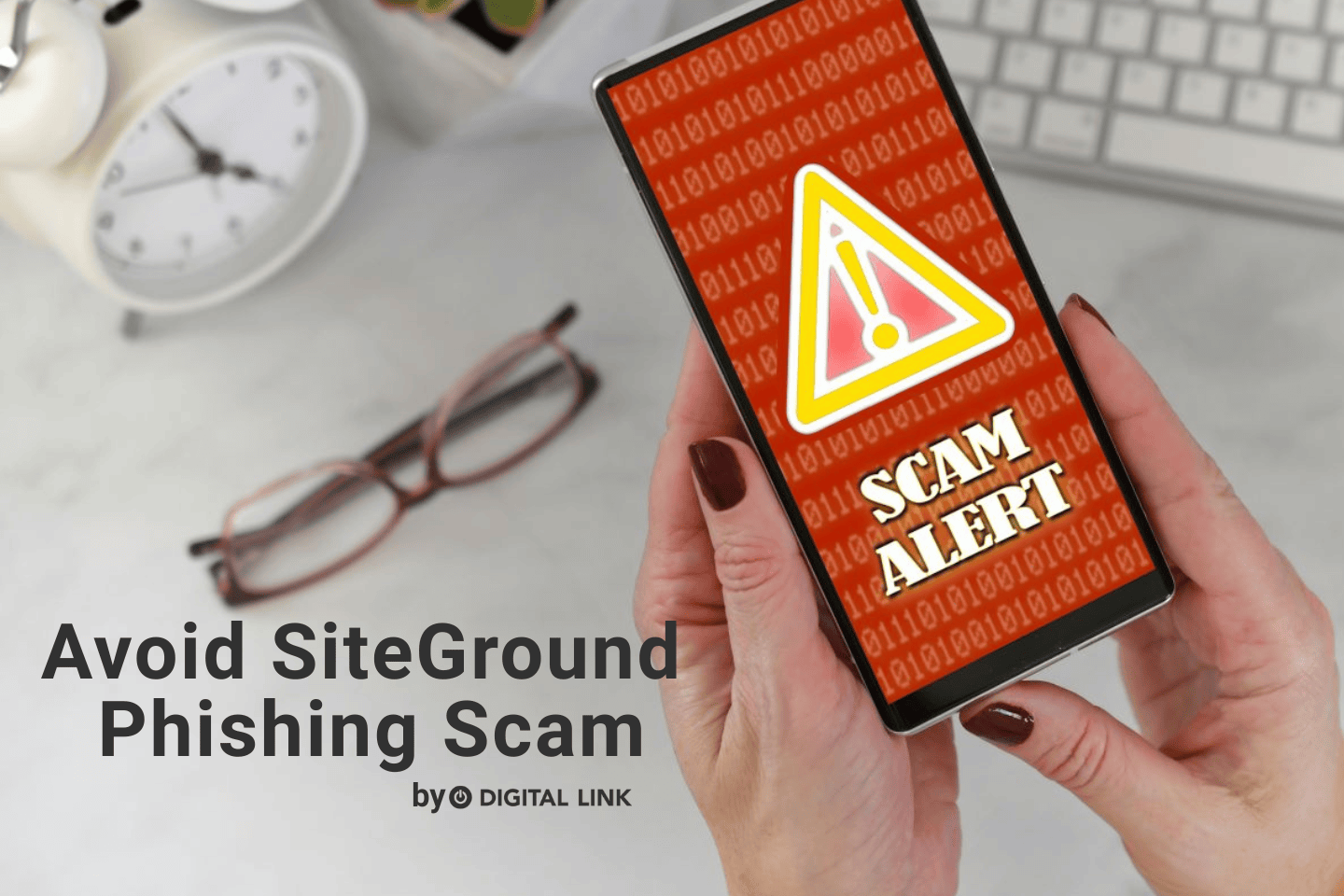
There has been an increase in phishing attempts targeting SiteGround customers. These scams often come in the form of emails or messages that impersonate the company and are becoming more sophisticated. At Digital Link, your security is extremely important to us. In today’s blog, we want to discuss how to recognize this SiteGround phishing scam and how to keep your account safe.
What These Scams Look Like
Phishing emails are designed to create urgency and panic, so you act quickly without thinking. They often look professional and convincing, using the logo and branding to appear legitimate.
Here are some common claims scammers use:
- Your domain is about to expire, needing urgent renewal
- You have an unpaid invoice, requiring immediate payment
- Your hosting account has been compromised, and you must verify your login
These messages usually contain links that lead to fake websites designed to steal your login credentials or payment information.
How to Stay Safe
Protecting yourself against these types of phishing scams is much easier when you know what to look for, and how to handle suspicious messages.
Keep these steps in mind to keep your account secure:
- Think Before You Click: Before clicking any link, hover over it to preview the URL. If the link does not lead to the official siteground.com domain, do not click it.
- Double-Check the Website Address: Before entering your login details, always confirm that the domain in your browser is siteground.com. Be cautious of lookalike domains such as:
- siteground-billing.com
- sg-accounts.net
- or other slight variations
- Go Directly to SiteGround: If you receive an urgent email about your account, do not click the link in the message. Instead:
- Open a new browser tab.
- Manually type siteground.com.
- Log in through the official website.
- Check Your SiteGround Client Area: Issues such as invoices, renewals, or account notifications will always be visible in your SiteGround Client Area dashboard.If you don’t see anything there, it’s likely a scam.
- Watch for Red Flags: Phishing messages often include:
- Urgent or threatening language
- Warnings of immediate suspension
- Requests for sensitive information
- Poor grammar or unusual formatting
If you’re unsure whether a message is legitimate, contact the SiteGround support team directly, or reach out to the Digital Link Team. We also have a blog post, which further discusses phishing scams and how to stay protected.
Important Reminder! Legitimate organizations or businesses will never ask you to share your password via email or text message.
Phishing scams are becoming more creative, but with a little awareness, they’re easy to spot. Taking a moment to think and verify before clicking can protect your website, your data, and your business.
If you have any questions regarding SiteGround, or if you receive a suspicious message, please don’t hesitate to contact us.
Liked this article?
We are adding more useful articles to our blog every week! Join our subscribers to stay up to date on digital security, marketing, and social media trends.
By entering your email, you agree to receive our monthly newsletter. You can unsubscribe at any time!