June 18, 2026 • Cybersecurity
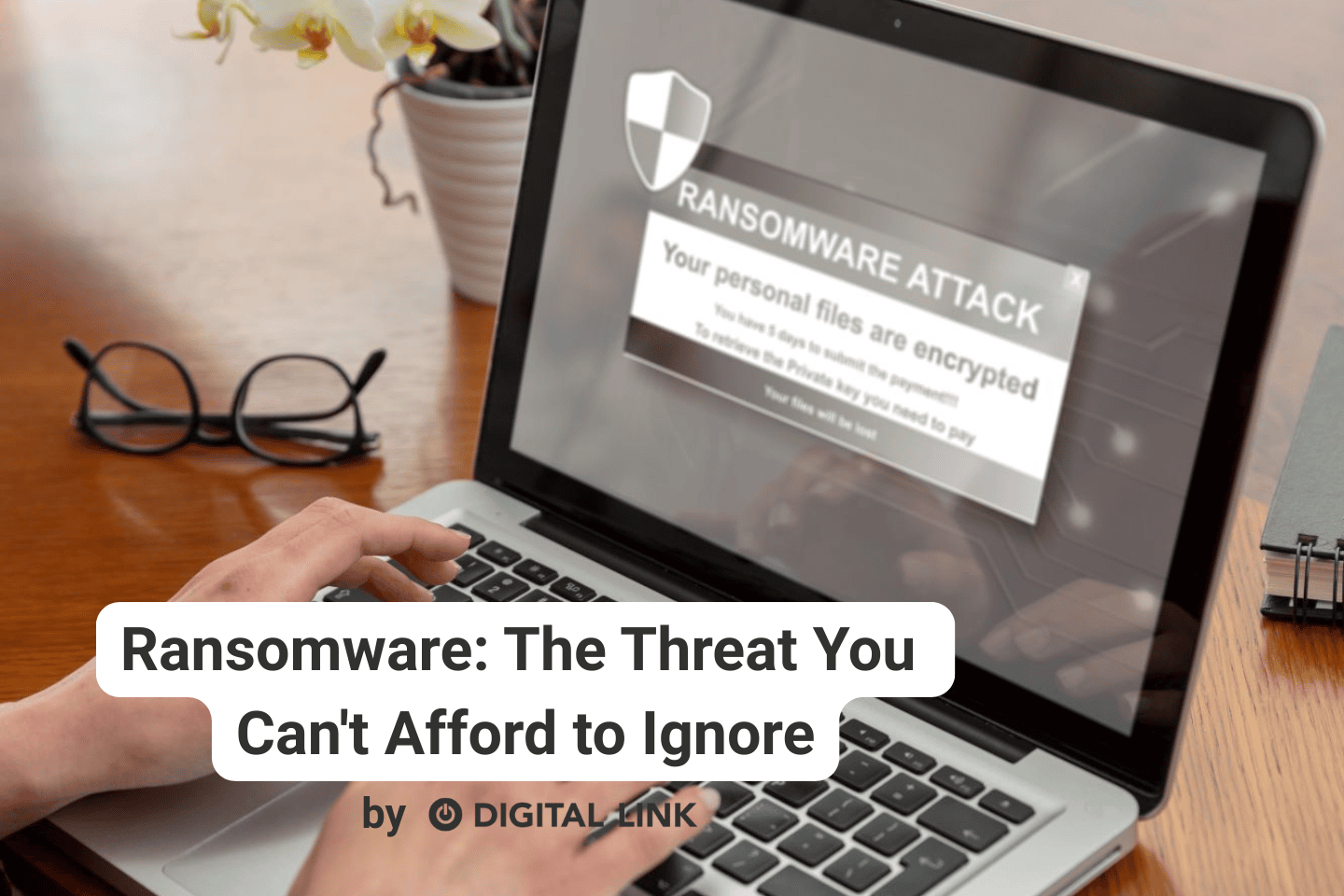
Ransomware is software that will hold your data and your computer system hostage until you pay a ransom.
What data, you ask? This can include:
- Customer contact information
- Customers’ credit card information
- Financial records
- Emails
- Databases
- Files
When ransomware strikes, it encrypts your files so that you can no longer access them. A message appears demanding payment in exchange for a decryption key that may, or may not, restore access to your data.
Ransomware happens everywhere
One of the biggest misconceptions among small business owners is that hackers only target large corporations.
The reality is that many ransomware attacks are automated. Criminals scan the internet looking for vulnerable systems and weak security practices. They often don’t care whether you’re a multinational corporation or a family-owned business in a small city.
Smaller businesses can be attractive targets because they frequently have fewer security controls, limited IT resources, and less formal backup procedures.
The Cost of an Attack
The ransom itself is often only the beginning. A successful ransomware attack can result in:
- Days or weeks of downtime
- Lost sales and revenue
- Inability to serve customers
- Regulatory fines if sensitive data is exposed
- Legal costs
- Reputation damage
- Permanent loss of business records
For many organizations, the inability to access customer information, invoices, accounting records, or operational systems can bring business to a complete standstill.
That’s why many businesses never fully recover after a major data-loss event.
How Does Ransomware Get In?
Most ransomware infections start with surprisingly ordinary mistakes:
Phishing Emails
An employee clicks a link or opens an attachment that appears legitimate. One click can be enough to start the infection.
Weak Passwords
Cybercriminals frequently use automated tools to guess passwords or exploit accounts with reused credentials.
Outdated Software
Security vulnerabilities in old software are regularly used to gain access to systems.
Infected Downloads
Fake software updates, pirated software, and malicious downloads can introduce ransomware into a network.
Prevention Tips
1. Maintain Secure Backups
Backups are your single most important defense. Cloud backups, offline backups, and immutable backups can all play an important role.
2. Test Your Backups Regularly
Regularly test your ability to recover files and systems so there are no surprises during an emergency.
3. Enable Multi-Factor Authentication (MFA)
Multi-factor authentication adds a second layer of protection and can prevent many account compromise attempts.
4. Keep Systems Updated
Keeping operating systems, applications, firewalls, and network equipment updated helps keep attackers out.
5. Train Employees
Regular cybersecurity awareness training helps employees recognize phishing emails, suspicious links, and social engineering attempts.
Have an Incident Response Plan
Every business should know what to do before something goes wrong.
An incident response plan should include:
- Who to contact
- How to isolate infected systems
- How to communicate with customers and staff
- Where backup systems are located
- How business operations will continue during recovery
Organizations that invest in backups, employee training, system updates, and basic cybersecurity practices improve their chances of surviving an attack. If you would like more information regarding how to protect yourself and your business from ransomware, contact the Digital Link team for help.
Liked this article?
We are adding more useful articles to our blog every week! Join our subscribers to stay up to date on digital security, marketing, and social media trends.
By entering your email, you agree to receive our monthly newsletter. You can unsubscribe at any time!